Step 1. Login your Domain Control panel throgh this address "https://www.serversea.com/managedomain".

Step 2. Now in DNS Information section update your desire DNS and then click on Submit.
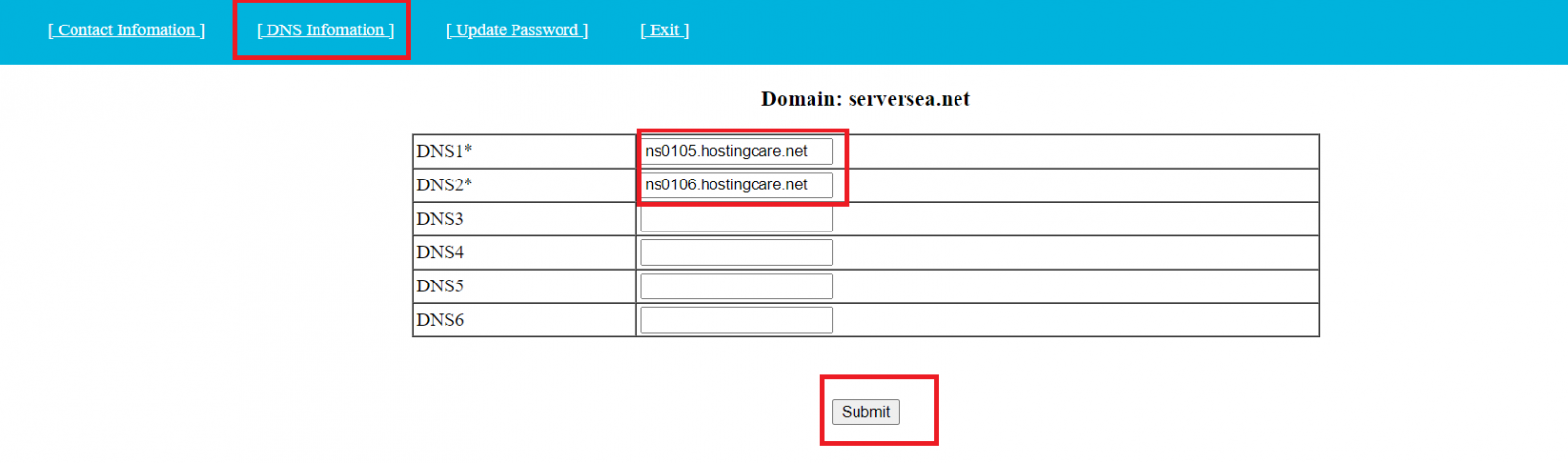
Congratulations! You have updated DNS successfully.