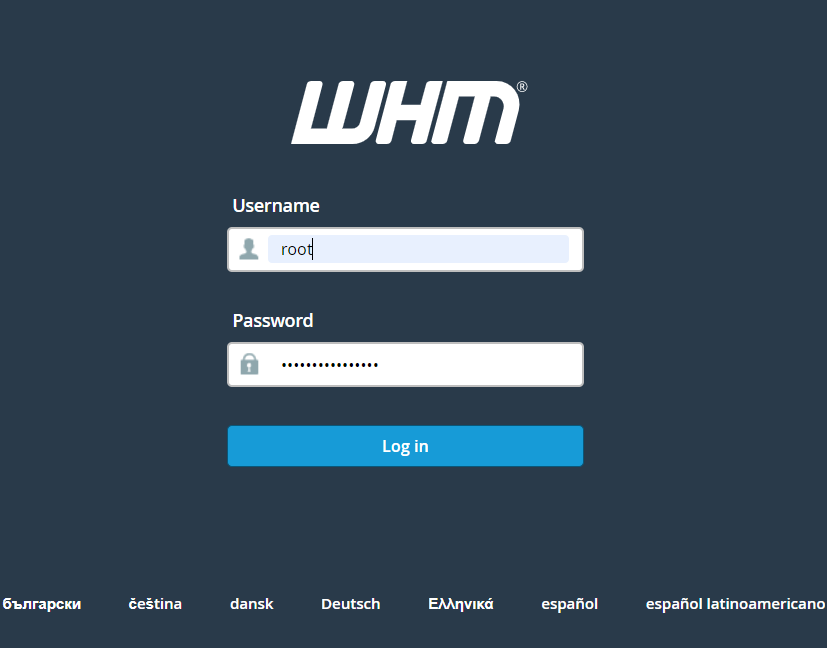
Step 1. Log in to the WHM
Step 2. Type list accounts in search bar and click on List Accounts.

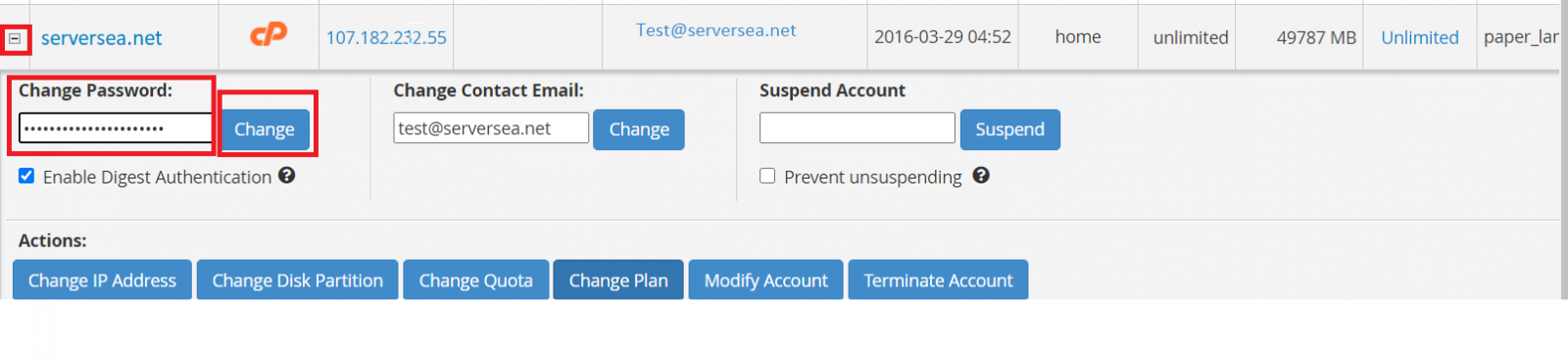
Step 3. Now click on "+" button which is next left to the your domain name. Type your desired password in Change Password option and click on Change to update.